Creating and deleting security groups
Limitations
- You cannot delete a security group if it is assigned to a VM.
To create a security group
-
On the Security groups screen, click Add security group.
-
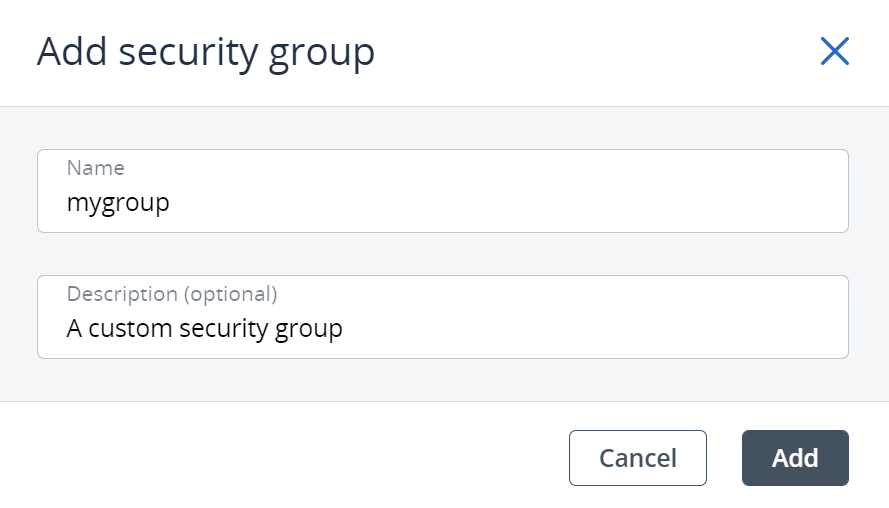
In the Add security group window, specify a name and description for the group, and then click Add.
A description should not contain any personally identifiable information or sensitive business data.
By default, the new security group will deny all incoming traffic and allow only outgoing traffic to assigned virtual machines.
To delete a security group
-
On the Security groups screen, click the required security group.
-
On the group right pane, click Delete.
-
Click Delete in the confirmation window.