Restoring volumes from backups
During the restore process, a new volume is created and the existing volume is not overwritten. You can restore a volume from a backup of a data or boot volume.
Prerequisites
- A volume backup is created automatically, as described in Creating backup plans, or manually, as described in Creating and deleting backups manually.
To restore a volume
-
On the Recovery points screen, click the recovery point from which you want to restore a volume.
-
On the right pane, click Restore volume.
-
In the Restore volume window, specify a volume name and select a storage policy, and then click Restore.
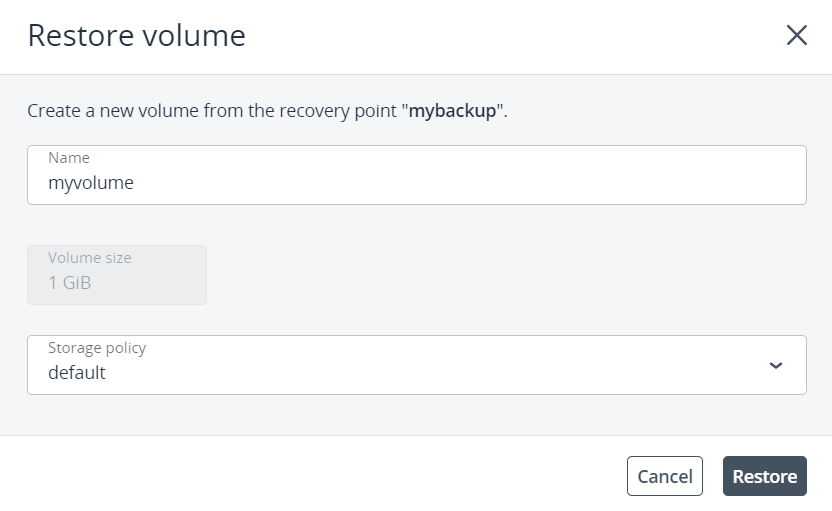
The new volume will appear on the Volumes screen.